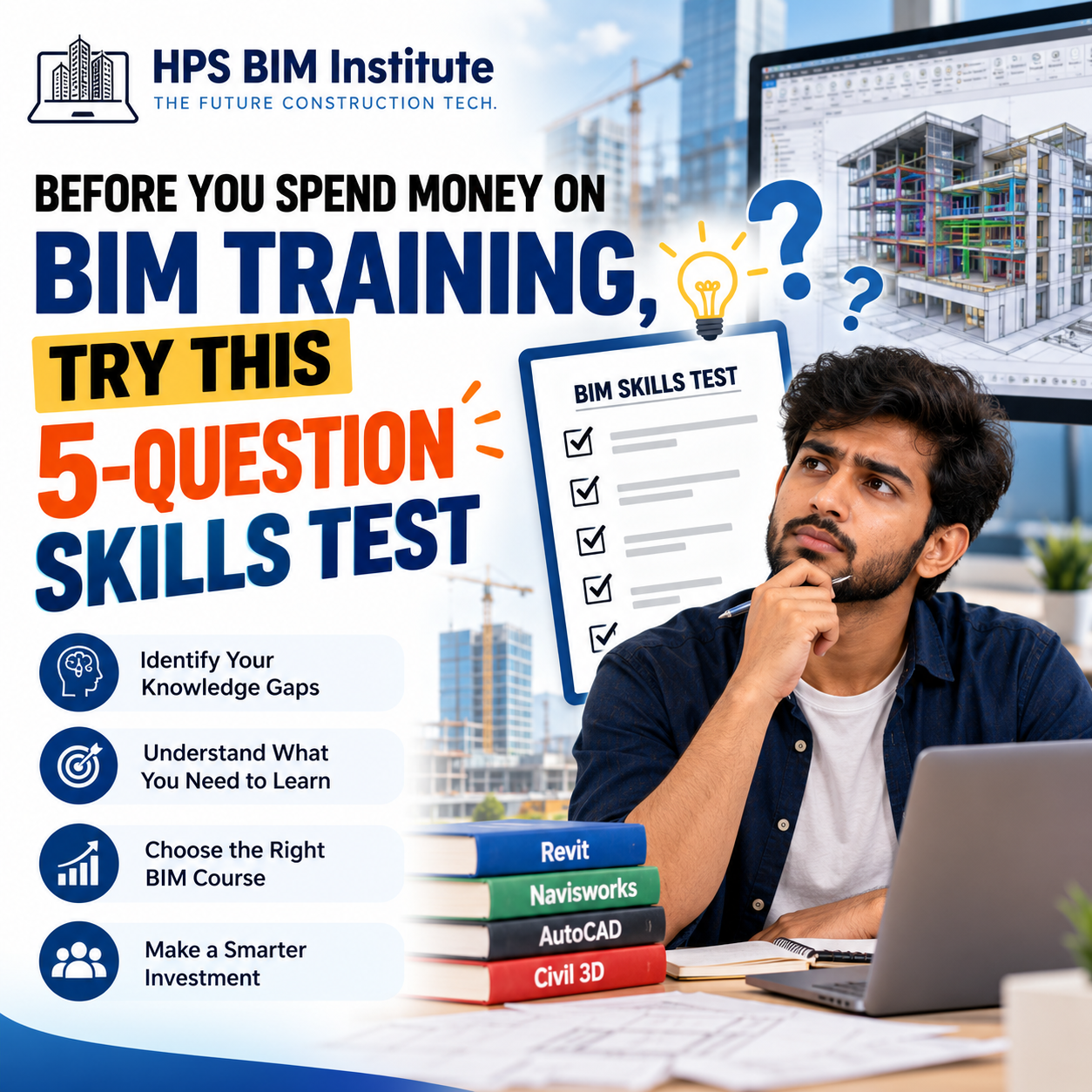
Before You Spend Money on BIM Training, Try This 5-Question Skills Test
Are you planning to join a BIM course in Bangalore but unsure whether you are ready to learn Building Information Modeling? Before spending money on training, take this simple five-question BIM skills test to understand your current knowledge and identify the skills you need to develop.
Whether you are a civil engineering student, architect, recent graduate, or working professional, understanding BIM fundamentals can help you choose the right training program.
At HPS BIM Institute, we believe that effective BIM learning goes beyond knowing software commands. It involves understanding digital modeling, coordination, documentation, and real-world project workflows.
Take the 5-Question BIM Skills Test
Answer these five questions honestly. You don't need advanced BIM knowledge to begin. The purpose is to understand where you stand and what you should learn next.
Question 1: Do you understand the difference between CAD and BIM?
A. I understand that CAD is primarily drawing-based, while BIM connects models with project information.
B. I have used AutoCAD but don't fully understand BIM.
C. I am new to both CAD and BIM.
Question 2: Can you create or understand a 3D building model?
A. Yes, I can work with 3D models and understand levels, grids, and building components.
B. I understand 2D drawings but have limited 3D modeling experience.
C. I have never created a 3D model.
Question 3: Do you know what BIM coordination and clash detection mean?
A. Yes, I understand how different disciplines coordinate models and identify conflicts.
B. I have heard of these concepts but haven't practised them.
C. I am unfamiliar with these terms.
Question 4: Can you work with BIM software such as Revit or Navisworks?
A. Yes, I can perform basic tasks and understand their purpose in a project workflow.
B. I have watched tutorials or tried a few tools.
C. No, I haven't used BIM software yet.
Question 5: Have you worked on a practical BIM project?
A. Yes, I have contributed to a model, drawing set, coordination exercise, or project workflow.
B. I have completed small exercises but not a coordinated project.
C. No, I have only theoretical knowledge or no previous experience.
How to Understand Your Results
Count how many times you selected A, B, and C. These results are a simple self-assessment, not a formal measure of your BIM proficiency.
Mostly A: Build on Your Existing Skills
You may already understand several BIM fundamentals. Your next step could be improving model quality, coordination, clash detection, documentation, and multidisciplinary workflows.
Consider exploring advanced topics such as Navisworks, 4D/5D BIM, and information management.
Mostly B: Focus on Practical BIM Training
You have some exposure to engineering software or BIM concepts, but you may need more guided practice.
Look for hands-on BIM training that combines software exercises with modeling assignments, documentation, and coordination tasks.
Mostly C: Start With the Fundamentals
You can begin learning BIM without prior experience in advanced BIM software. Start with core concepts, technical drawing fundamentals, and an introduction to suitable software.
Choose a structured program that progresses from basic concepts to guided project work.
Important: Your answers are not a reason to delay learning BIM. They simply help you identify a suitable starting point.
What Should You Learn Before Joining a BIM Course?
Your self-assessment can help you decide which skills to prioritize.
BIM fundamentals: Understand intelligent models, project information, and digital construction workflows.
Revit: Learn how to create and document architectural or structural models, depending on your specialization.
AutoCAD: Develop or strengthen your understanding of 2D drawings and drafting.
Navisworks: Learn how models from different disciplines can be reviewed and coordinated.
Clash detection: Understand how potential conflicts are identified and resolved.
Project documentation: Learn how models, drawings, schedules, and project information work together.
You don't necessarily need to master every tool before enrolling. The right learning sequence depends on your background and career goals.
If you're a civil engineering student or graduate, explore the BIM Professional Basic Program for Civil Engineers to understand the subjects covered in a structured BIM learning pathway.
How to Choose the Right BIM Training in Bangalore
Not every BIM course offers the same learning experience. Before enrolling, look beyond the course name and software list.
Here are five things to evaluate.
1. Practical assignments
Ask whether you will create models, prepare documentation, and complete guided project exercises instead of only watching demonstrations.
2. Industry-relevant software
Check whether the curriculum matches your intended specialization. Revit, AutoCAD, Navisworks, Civil 3D, and other tools serve different purposes.
3. Project-based learning
Find out whether you will practise a complete workflow, from model creation to review and coordination.
4. Trainer guidance
Look for opportunities to ask questions, receive feedback, and correct mistakes during practical exercises.
5. Transparent course information
Review the syllabus, duration, delivery format, fees, support, and any placement assistance before making a decision.
If you are comparing options, explore BIM courses at HPS BIM Institute to review available programs and identify one suited to your background.
You can also read our guide to BIM training in Bangalore and practical BIM skills for more information about evaluating training options.
Why Practical BIM Training Matters
Learning software commands is only one part of becoming proficient in BIM. Real project workflows require you to understand how models are developed, information is organized, drawings are produced, and different disciplines coordinate their work.
For example, a structural model may need to be reviewed alongside architectural and MEP models. Understanding how to identify a potential conflict, communicate the issue, and support its resolution is different from simply knowing how to create a 3D element.
At HPS BIM Institute, Bangalore, learners can explore BIM-focused programs covering tools and workflows relevant to civil, structural, and MEP disciplines.
The BIM Professional Master Program for Civil Engineers is another option to review if you are looking for a broader curriculum that includes coordination and advanced BIM concepts.
Choose a program based on its current syllabus and how well it matches your learning goals.
Frequently Asked Questions
1. Can I learn BIM without prior experience?
Yes. Beginners can start with BIM fundamentals and progress to software modeling, documentation, and coordination. Your learning path will depend on your engineering or design background.
2. Which BIM software should I learn first?
Revit is a common starting point for architectural and structural building workflows. Civil engineers focused on infrastructure may also benefit from Civil 3D, while Navisworks is useful for model coordination and clash detection.
3. How do I choose a BIM course in Bangalore?
Compare the curriculum, practical assignments, software coverage, trainer support, project experience, fees, and course format. Choose a program that aligns with your specialization rather than selecting based on software count alone.
4. Is hands-on BIM training important?
Yes. Practical exercises help you apply software knowledge to modeling, documentation, coordination, and project workflows. Look for training that includes guided assignments and constructive feedback.
5. Can civil engineering freshers join BIM training?
Yes. Civil engineering graduates can begin with BIM fundamentals and build skills in structural modeling, Revit, Navisworks, documentation, and coordination.
6. How long does it take to learn BIM?
The time required depends on your previous experience, chosen specialization, course structure, and practice time. Learning basic software operations takes less time than developing confidence in complete project workflows.
7. Does HPS BIM Institute offer BIM courses for civil engineers?
Yes. HPS BIM Institute lists both basic and master programs for civil engineers. Review the course details and curriculum to check the current program structure and suitability for your goals.
Conclusion
Before spending money on BIM training, take a moment to evaluate what you already know and which skills you need to develop. This simple five-question test can help you identify whether you should start with the fundamentals, focus on practical modeling, or progress toward coordination and advanced workflows.
When comparing BIM courses in Bangalore, prioritize practical learning, relevant software, structured assignments, and guidance that helps you apply your knowledge.
If you're ready to explore your options, visit HPS BIM Institute and review the available programs to find a learning path suited to your goals in the AEC industry.